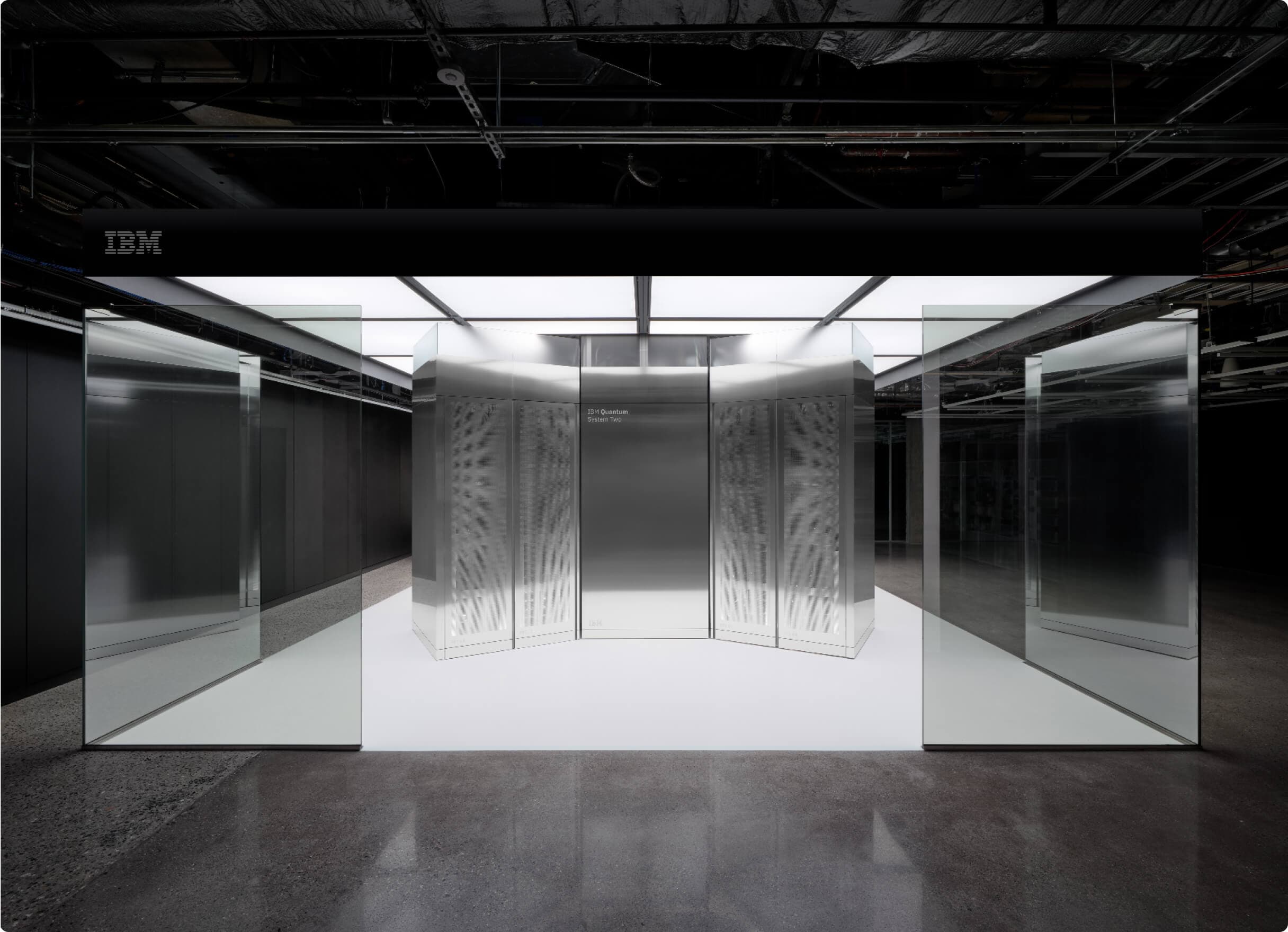
Cryogenic QPU bunker
A cryogenic facility for superconducting processors, with cooling and control infrastructure.
Select this environment ↗ quantumfunQuantumFun
 H100—NO OBSERVATIONSH200—NO OBSERVATIONSB200—NO OBSERVATIONSA100—NO OBSERVATIONS
 MI300X—NO OBSERVATIONS
Quantum computing projects. Public origins. Tokens on Solana.
Project origins, token addresses and the work behind each launch.
Choose the execution layer behind your launch.

Circuit-based experiments on superconducting processors. Bring your backend and result record.

Connect a gate-based workflow to its device configuration and recorded measurements.
Document your atom-array setup with your own workflow and result files.
Publish the GPU setup and simulation results behind your project.
Start with a simulator, a reproducible environment and inspectable source.
Describe how your classical workload and quantum backend work together.
The tools that make your experiment reproducible.

Build circuits. Simulate quantum states.

Differentiable circuits and fast simulation.
Compile hybrid quantum workflows.
Accelerate classical simulation on GPUs.

Package your own versioned environment.
Selecting a stack describes your project; it does not run it or provide hardware access. Bring your provider credentials and results. Logos identify technologies, not partnerships. Quantum evidence is creator-submitted.
Six environments for different quantum architectures. Choose a bunker profile, name your facility or describe your plans. Your launch carries the details.
A cryogenic facility for superconducting processors, with cooling and control infrastructure.
Select this environment ↗
A controlled lab built around ion traps, vacuum systems and laser-driven operations.
Select this environment ↗
An optical and vacuum environment for preparing and controlling neutral-atom arrays.
Select this environment ↗
An optical facility for photonic experiments, light sources and measurement systems.
Select this environment ↗
Classical compute infrastructure connected to a quantum backend, on-site or remotely.
Select this environment ↗
Describe your own facility architecture, provider arrangement and operating environment.
Select this environment ↗Images identify example technologies and remain the property of their respective owners. They do not imply a partnership, facility ownership or available access. Use these paths to describe your infrastructure and plans. Facility access and hardware execution are arranged with your provider; publishing a roadmap does not book equipment or enforce project spending.
Start with the work. Build a launch around it.
Connect your token to a circuit, a device and the results you choose to publish.
Put your source, pinned release and working application behind a public token origin.
Bring classical compute and quantum workflows together in one inspectable project.
Publish your project, evidence and deterministic artwork in an immutable manifest.
Choose your launch route, inspect the transaction and approve it in your wallet.
Experiment with circuits. Run local workloads. Find compute for your next iteration.